
Mass Calendar Invites in Google and Gmail
Sending mass calendar invites in google is very common today. Teams, schools, trainers, and event organizers often use Google tools to plan meetings and events. Since Google Calendar and Gmail are simple to use, many people start with them.
For small groups, Google works well. You can quickly add a few guests and send invites. Sending mass calendar invites in google or gmail takes more time and effort when the guest list is large.
Google tools are great for team meetings. But they are not made for large public events, webinars, or big guest lists.
Below are the most common ways people try to send mass calendar invites in google and mass calendar invite in gmail. We will also explain why these methods become harder as you try to grow.
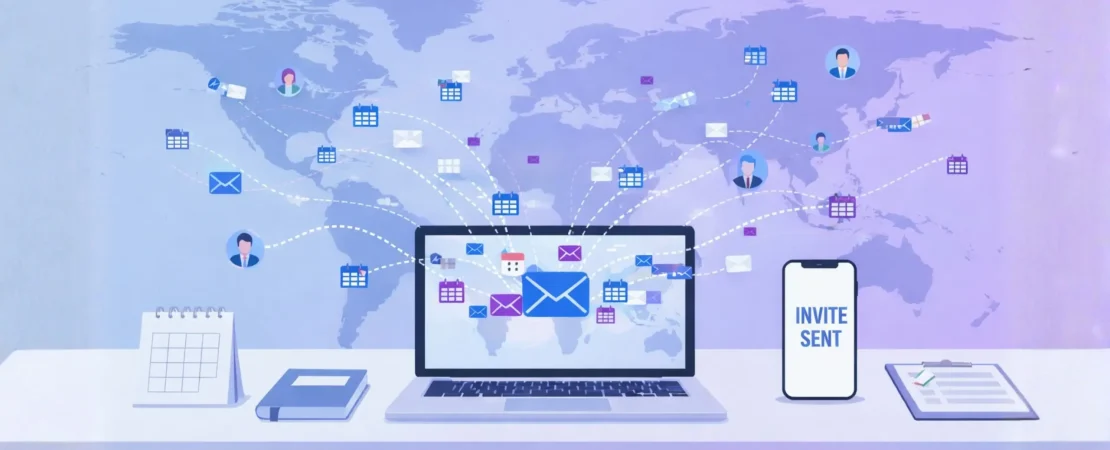
Using Google and Gmail for Mass Calendar Invites
Google Calendar and Gmail are popular tools for daily emails and meetings. Many people already use them every day for work, school, and team communication.
For small meetings, these tools are enough. You can create events, add guests, and send invites easily. Most users are comfortable with this process.
When meetings grow larger, like webinars or training sessions, sending mass calendar invites in google gets tricky. It’s tricky to manage. Simple one-by-one invites are no longer enough.
That is why many users look for better ways to send a mass calendar invite in google and gmail. The right method saves time and cuts down on mistakes. It also ensures every guest gets their invite smoothly.
Traditional Ways in Google
Google tools are often the first choice for mass calendar invites. They are familiar and easy to access, so people naturally start there.
For small teams, these methods work fine. But as the guest list grows, the process becomes slower. Adding many emails, fixing mistakes, and handling limits takes more time.
Many users also find that Google tools are not built for large public events. Tracking guests and managing big lists becomes difficult.
Here are the common ways to send mass calendar invites in google. Also, the real challenges people face.
1. Using Google Groups (Best Native Google Method)
This is the most official way to send mass calendar invites in google using Google’s own tools. Google Groups lets you create a group email that includes many people.
You create a group, add members, and then invite the group email to your calendar event. Google sends the invite to everyone in that group.
This works well for company teams, school classes, or internal departments. It helps save time when inviting the same people again and again.
But for large events or outside guests, this becomes harder to manage. Groups need setup, permissions, and regular updates. This adds extra work.
This method allows mass calendar invites in google, but it’s still manual. It’s not flexible for large or public lists.
The steps:
- Create a new Google Group first.
- Add all members to the group.
- Create a new Google Calendar event.
- Invite the group email address.
Pros:
- This works well for internal teams.
- It is easy to invite many people.
- The group address can be reused.
Cons:
- Setup can take extra time.
- It is not good for external guests.
- Reply All emails can cause problems.
- Large or changing lists are hard.
2. Using Google Calendar Guest Field (Manual Add)
This is the most basic way people try to send mass calendar invites in google. Users manually type or paste many email addresses into the guest field.
For small lists, this works fine. Many people copy emails from a document or spreadsheet and paste them into Google Calendar.
But Google Calendar has guest limits. When the list grows, this method becomes slow and risky. It is easy to miss emails or hit system limits.
So while this is a simple way to send a mass calendar invite in gmail, it does not work well for large events or long guest lists.
The steps:
- Create a new Google Calendar event.
- Paste many email addresses into Guests.
- Save the event and send invites.
Pros:
- No special setup is needed.
- It is fast for very small lists.
- It works well for quick meetings.
Cons:
- Guest limits can block large sends.
- It is easy to make mistakes.
- Does not provide personalized invites.
- It is not good for large lists.
3. Using Calendar Event Links (Public Add-to-Calendar Links)
This method is very popular for webinars and public events. Instead of sending direct invites, the organizer shares a Google Calendar event link.
People click the link and add the event to their own calendar. This makes it easy to share the event with a large number of people. It also helps avoid guest limits.
However, this method has downsides. Because people add the event themselves, the organizer has less control. It is hard to know who actually added the event.
This is why many people use this way for mass calendar invites in google for public groups. It works for sharing event details, but it is not a true invite system.
This method is fast and simple. But it is not good for tracking, control, or seeing a clear guest list.
The Steps:
- Create a new Google Calendar event.
- Generate and copy the event link.
- Send the link using email tools.
Pros:
- There are no direct guest limits.
- This works well for public events.
- The link is easy to share.
Cons:
- There is no RSVP tracking.
- Guests may not add an event.
- There is no way to personalise each calendar invite.
- Attendance is hard to manage.
4. Using Gmail to Create Calendar Events from Emails
Gmail allows users to create Google Calendar events directly from emails. This is helpful when planning meetings from email conversations.
With a few clicks, users can turn an email into a calendar event. They can also add a few guests. This makes it easy to plan small meetings quickly.
This works well for small team meetings and quick scheduling. It saves time and keeps everything in one place.
But this feature is not made for mass calendar invites in google. It is not designed for large lists. It works best for a few people, not for hundreds or thousands.
This is great for daily office work. But it does not help with sending mass calendar invites for big events or webinars.
The Steps:
- Open the email inside Gmail.
- Click to set up a meeting time.
- Create a new calendar event.
- Add guests to the event manually.
Pros:
- This is easy for small meetings.
- It works well for email planning.
- It is fast for small teams.
Cons:
- Guests must be added manually.
- It is not for large lists.
- There is no mass automation.
5. Using Google Calendar API (Technical Method)
Some technical teams use the Google Calendar API to send calendar invites in mass. This means they use software and code to connect with Google Calendar.
This method can be very powerful. It can automatically send many invites at one time. It is useful for companies with developers and technical teams.
But this method is not easy for normal users. It needs coding skills, setup work, and special permissions. It also needs regular updates and technical support.
So while this can automate mass calendar invites in google, it is complex and hard to use. It is not a simple solution for most teams.
The Steps:
- Set up Google Calendar API access.
- Write scripts to create events.
- Add attendees using programmed scripts.
Pros:
- It offers a high level of automation.
- It works well for technical teams.
- It can scale for large systems.
Cons:
- It requires coding knowledge.
- Setup is complex and time-consuming.
- It is not for non-technical users.
- It needs ongoing technical maintenance.
6. Using CRM or Email Tools Connected to Google Calendar
Some businesses connect Google Calendar with CRM systems or email tools. These tools can sync contact lists and send invites using integrations.
This reduces some manual work. The system can pull contacts and send invites automatically.
Yet, setup can be confusing and time-consuming. Many tools still face Google guest limits. This makes them less useful for very large groups.
So while this can help with mass calendar invites in google, it can be costly and hard to manage. It is not ideal for large public events.
The Steps:
- Connect your CRM to Google Calendar.
- Select or upload your contact list.
- Create the event and send invites.
Pros:
- It offers some basic automation.
- It uses your existing contact lists.
Cons:
- Setup can be complex and confusing.
- Many tools require paid subscriptions.
- Google limits can still apply.
- Does not support true mass invites
Why Google Methods Become Hard at Scale
All these methods show that sending mass calendar invites in google and gmail is possible. But Google tools are mainly built for small teams and simple meetings.
When your invite list is small, things work fine. But as the list grows, problems start. Guest limits, setup work, and manual steps increase.
Sending invites one by one takes time. If you need a complete walkthrough for handling large meeting invitations properly, you can explore our step-by-step guide. Managing links and tools adds stress. Tracking who joined becomes harder.
This is why Google methods are not ideal for large events, webinars, or public meetings. They were not built to handle big lists with full control and easy tracking.
The Simplest Way - BulkCalendar
To avoid these problems, you need a tool made specially for this work, like BulkCalendar. It connects your email list or spreadsheet directly with people’s calendars. This helps every invite reach the guests safely without showing their private emails.
BulkCalendar is a simple and fast way to send mass calendar invites in 2026. It removes problems like guest limits and privacy risks. This way, you can focus on planning your event instead of spending time on manual work.
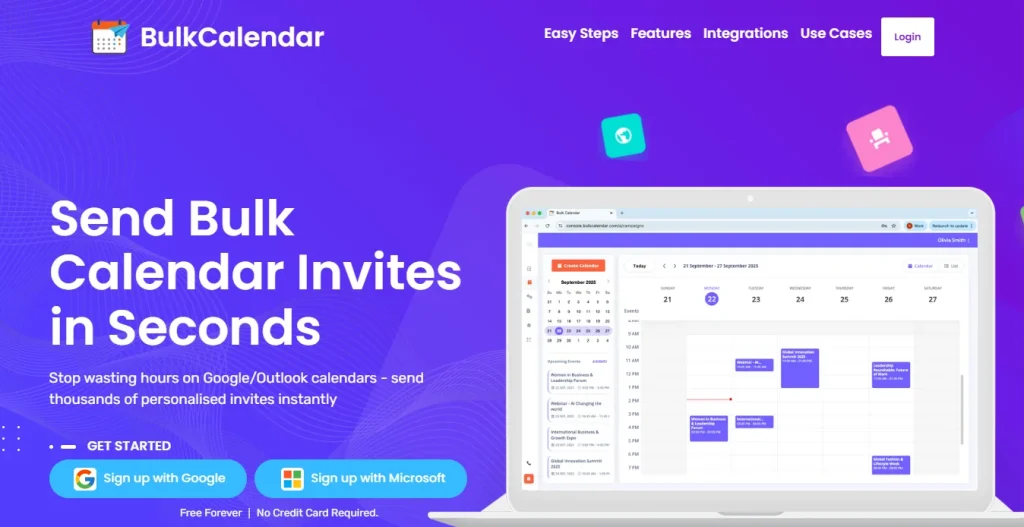
3 Easy Steps
Save hours of manual work – in just 3 simple steps, you can personalize every invite and send bulk meeting invites directly from your own email and domain
Create Calendar
Add a Personal Touch, Use First Names or Any Data You Choose
Import Guests
Copy-paste thousands of emails, or upload a CSV or Excel file
Send
Send securely from your own email or domain
Purpose-Built Tool That Saves You Hours
BulkCalendar makes sending, personalizing, and managing large calendar invites effortless - so you can focus on running your events, not fighting your calendar.
Mass Invites in Seconds
Send thousands of invites at once without guest limits or repetitive clicks.
Personalized for Every Guest
Add names, custom notes, and details so every invite feels personal and engaging.
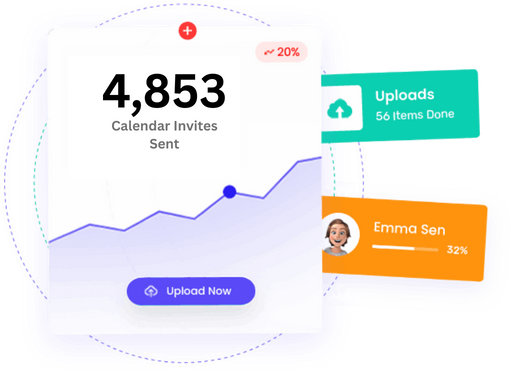
Works with Every Calendar
Send calendar invites that work seamlessly across all major apps - Google, Outlook, Apple, Yahoo, and more. So your attendees never miss an event.




Conclusion
Sending calendar invites by hand takes a lot of time. Google guest limits and manual work make large events harder to manage.
Your time is important. You should not have to type emails again and again. Scheduling should be simple, not stressful.
With the right system, you can invite many people safely and easily. Many professionals have already switched to a better way to manage invites.
Free Forever | No Credit Card Required